
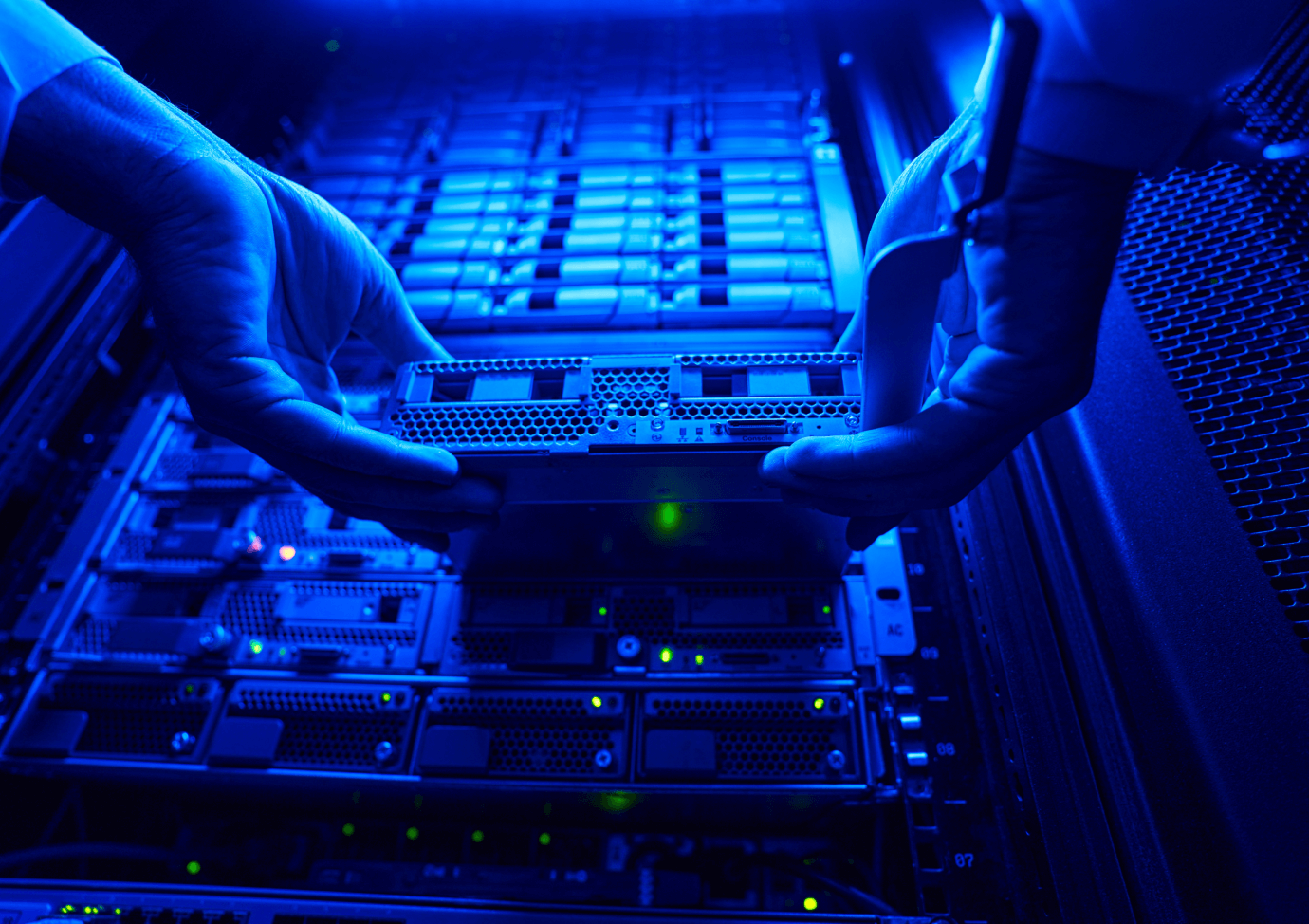
Data centers are the brains behind most businesses, which is where your organization’s IT infrastructure is located. All of your business information and applications are also located here. Over time, a data center can reach maximum capacity and this can create issues.
Efficiency can take a nosedive and you may even be dealing with expensive downtime. Measuring data center capacity is crucial to ensuring smooth daily operations. However, not everyone knows how to measure the capacity of their data centers.
How to Measure the Capacity of a Data Center
If you don’t know how to measure capacity, you’re not alone. Data center managers aren’t always aware of how much power, space, port capacity, and cooling is available.
This is only a partial list of what you need to measure to determine data center capacity. You also need to look at the dimensions of the physical space, network connectivity, and your disaster recovery plan.
A quick side note, if your organization doesn’t have a disaster recovery plan, it’s something you need to create.
Okay, so measuring data center capacity involves a lot of parts. Trying to tackle everything with pen and paper can take months if not years. By the time you finish, your calculations may be obsolete. Worse, your data center may be experiencing costly downtime. When a data center goes through downtime, daily business operations often grind to a halt.
So, how do you measure the capacity of a data center? The most effective way is to use DCIM software. If you’re not sure what DCIM software is or what it can do, think of it as an extremely intelligent assistant. The software measures data center capacity but it doesn’t stop there. The software also monitors and manages both the IT equipment and the supporting infrastructure.
You can even use the software to group functions by department, customer, or business unit. This way you know precisely what resources to allocate to specific areas to help ensure your data center is running at maximum efficiency.
Planning Your Data Center Capacity

Accurately planning your data center capacity doesn’t have to be a time-consuming nightmare. The same software that measures capacity can also help you create an effective plan. What are the best practices in a data center capacity plan?
Maintaining Asset Data
If your asset data is off, it will affect capacity planning. For example, you may think you have more power ports than exist in the data center. Even the location of your server cabinets can be off. To ensure your plan is effective, you must maintain accurate records.
Run What-If Scenarios
What-if scenarios are often key to ensuring your data center capacity plan is covering everything. These scenarios are dry runs that help ensure everything is ready when changes occur.
Some of the scenarios you may want to run can include what happens if you add infrastructure capacity planning fundamentals. Does your data center have the capacity to support another asset?
Running what-if scenarios before adding, changing, or moving a data center can help identify any potential issue before it becomes a problem in real time.
Know Asset Quantities
If you don’t know how many servers are in your data center, planning capacity is going to be tough. As you’re planning resource capacity, you must monitor each server currently being used—this way, you can reserve the same space, cooling, power, and port capacity.
If you have a server and not enough port capacity, you may need to install additional assets. Your other option is to reduce your planning capacity but this is rarely a good idea. Reducing capacity typically leads to more problems that aren’t easy to resolve.
Take Advantage of Automated Power Capacity Planning
Anytime you can automate a process is usually beneficial for your business and data center. The same software that you’re using to measure your data center capacity can also help you calculate an accurate power budget.
The software looks at the device’s measured power load, for example, a server, as it’s running your business applications. This measurement lets you know the precise amount of power each device needs. By measuring your power capacity, you know if you can continue building up your existing IT infrastructure or if you need to add more.
Measuring Data Center Capacity is Crucial for Smooth Business Operations
Measuring the capacity of a data center can be time-consuming, even with the help of software to streamline the process.
However, the risks of not understanding your data center’s capacity far outweigh the time and effort involved. Ensuring accurate measurements is crucial for preventing overloading, optimizing performance, and planning for future growth.