
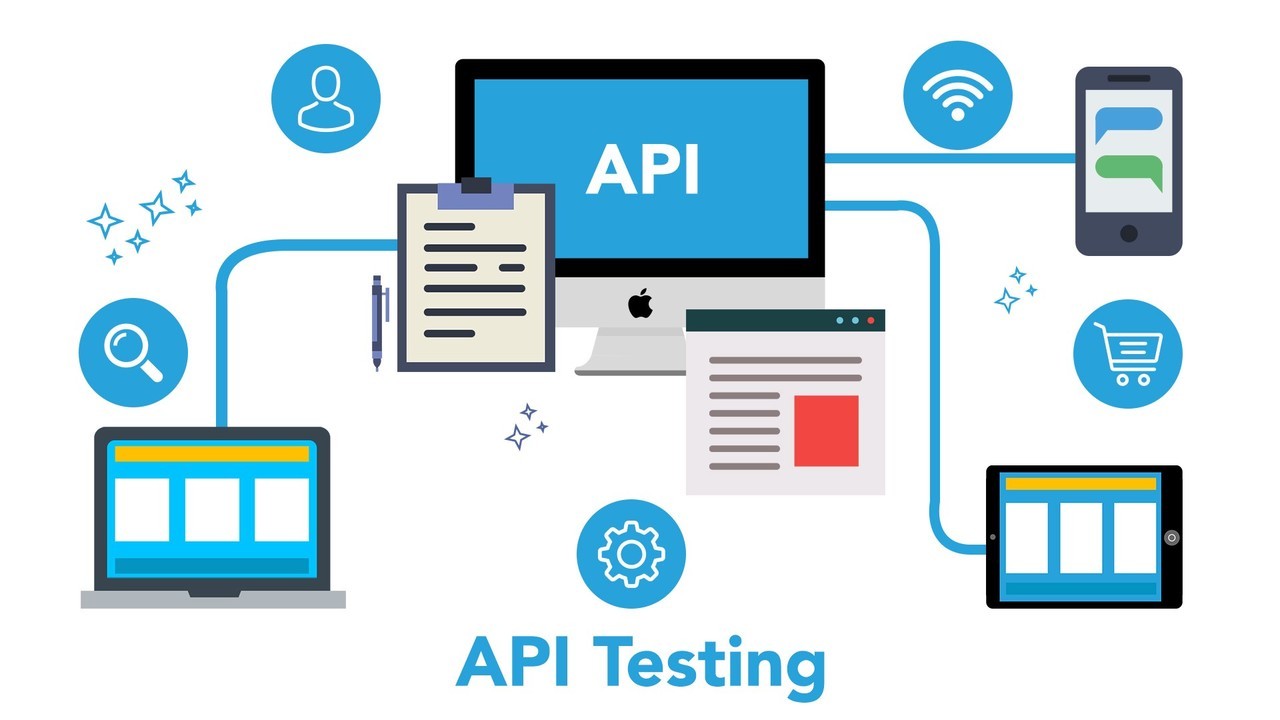
API testing is a crucial part of modern software development, ensuring that web services function correctly, perform well, and maintain reliability. Automating API testing with Python’s requests library simplifies the testing process, reducing manual effort while increasing efficiency. This article explores how to automate API testing using Python and requests, expands on best practices, and introduces additional tools for comprehensive API testing.
Security of APIs in Automated Testing
Automating API testing also enhances the security of APIs by identifying vulnerabilities, enforcing authentication mechanisms, and detecting unexpected behavior. Best practices include:
- Using Secure Authentication Methods: API keys, OAuth, and JWT should be tested for correct implementation.
- Validating Input and Output Data: Ensuring no sensitive data is exposed in API responses.
- Rate Limiting and Throttling Tests: Checking how the API handles multiple concurrent requests to prevent abuse.
- Penetration Testing: Simulating attacks to identify security weaknesses.
Why Automate API Testing?
Automating API testing offers numerous advantages, such as:
- Efficiency: Reduces manual testing effort and speeds up the development cycle.
- Consistency: Ensures tests are executed uniformly across different environments.
- Early Bug Detection: Identifies issues before they affect end-users.
- Scalability: Handles multiple test cases without human intervention.
- Integration: Easily fits into CI/CD pipelines for continuous testing.
- Old Character AI Testing: Ensures legacy AI-driven API components maintain compatibility with modern architectures.
- Claude AI Integration: Testing APIs that interact with Claude AI to validate response accuracy and performance.

Setting Up API Testing with Python
To get started with API testing in Python, install the requests library:
pip install requests
Making a Simple API Request
The requests library provides an intuitive way to interact with APIs. Here’s how to send a basic GET request:
import requests
url = “https://jsonplaceholder.typicode.com/posts/1”
response = requests.get(url)
print(response.status_code) # HTTP status code
print(response.json()) # JSON response
Automating API Tests
Automated API tests validate the responses and expected outcomes. Using Python’s unittest module, we can structure our tests:
import unittest
import requests
class TestAPI(unittest.TestCase):
def setUp(self):
self.base_url = “https://jsonplaceholder.typicode.com/posts”
def test_get_post(self):
response = requests.get(f”{self.base_url}/1″)
self.assertEqual(response.status_code, 200)
self.assertIn(“title”, response.json())
def test_post_request(self):
data = {“title”: “Automated Test”, “body”: “Testing API”, “userId”: 1}
response = requests.post(self.base_url, json=data)
self.assertEqual(response.status_code, 201)
self.assertEqual(response.json()[“title”], “Automated Test”)
if __name__ == “__main__”:
unittest.main()
Enhancing API Testing with Pytest
unittest is useful but pytest offers more flexibility and readability. Install pytest with:
pip install pytest
Convert the tests for pytest:
import requests
def test_get_post():
url = “https://jsonplaceholder.typicode.com/posts/1”
response = requests.get(url)
assert response.status_code == 200
assert “title” in response.json()
def test_post_request():
url = “https://jsonplaceholder.typicode.com/posts”
data = {“title”: “Automated Test”, “body”: “Testing API”, “userId”: 1}
response = requests.post(url, json=data)
assert response.status_code == 201
assert response.json()[“title”] == “Automated Test”
Run the tests with:
pytest test_api.py
Advanced API Testing Techniques
1. Authentication Handling
Many APIs require authentication via tokens. Here’s how to include an API key:
headers = {“Authorization”: “Bearer YOUR_API_KEY”}
response = requests.get(url, headers=headers)
2. Parameterized Testing
Using pytest.mark.parametrize allows running the same test with different inputs:
import pytest
import requests
@pytest.mark.parametrize(“post_id”, [1, 2, 3])
def test_multiple_posts(post_id):
url = f”https://jsonplaceholder.typicode.com/posts/{post_id}”
response = requests.get(url)
assert response.status_code == 200
3. Mocking API Responses
To test APIs without sending real requests, use responses:
pip install responses
Example:
import responses
def test_mocked_request():
url = “https://jsonplaceholder.typicode.com/posts/1”
responses.add(responses.GET, url, json={“title”: “Mocked Title”}, status=200)
response = requests.get(url)
assert response.json()[“title”] == “Mocked Title”
4. Performance Testing with Locust
Locust allows performance testing for APIs:
pip install locust
Create a locustfile.py:
from locust import HttpUser, task
class UserBehavior(HttpUser):
@task
def test_api(self):
self.client.get(“/posts/1”)
Run with:
locust -f locustfile.py –host=https://jsonplaceholder.typicode.com
Integrating API Testing into CI/CD
To include tests in CI/CD pipelines:
- GitHub Actions: Add a workflow YAML file:
name: API Tests
on: [push]
jobs:
test:
runs-on: ubuntu-latest
steps:
– uses: actions/checkout@v2
– name: Install dependencies
run: pip install -r requirements.txt
– name: Run tests
run: pytest
- Jenkins: Use a simple pipeline:
pipeline {
agent any
stages {
stage(‘Test’) {
steps {
sh ‘pytest > report.txt’
}
}
}
}
Conclusion
Automating API testing with Python’s requests library is a powerful way to ensure robust API performance. Combining pytest, responses, and performance testing tools like Locust further strengthens API reliability. Integrating these tests into CI/CD pipelines ensures continuous validation, making software releases smoother and more efficient.
By leveraging these techniques, developers and QA engineers can build a scalable and reliable API testing strategy, reducing downtime, improving software quality, and ensuring old character AI remains compatible with evolving technology and AI Joux integrations meet expected functionality.