

Most websites now use the WEBP (Google Web Picture) format, which provides a good balance of lossless and even lossy compression. However, this Google Picture format may be incompatible with some devices other than those used for site uploading, and document uploads do not support it. That is why PNG image files are still the most commonly used file format today. The concept of AI-powered image format conversion is novel and promising for the future. The majority of online conversion tools are browser-based, work on any device with an internet connection, and provide convenience and flexibility. This article will introduce you to the top seven tools for converting WebP to PNG.
Best Tools to Convert WebP to PNG and PNG to WebP
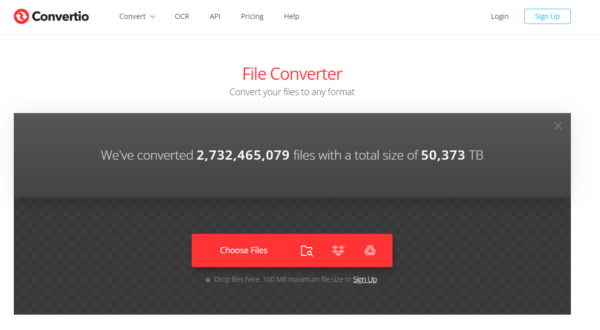
Convertio is an AI file conversion tool that supports over 309 different file formats, including WebP to PNG. It functions as another web conversion site that helps you convert a WEBP file to a PNG of high quality with the ease of its online WEBP to PNG converter. This free tool pays maximum attention to both the user’s experience and security. Furthermore, it has the option to save converted files directly to cloud storage platforms.
Pros
-
Facilitates fast WEBP to PNG conversion processing.
-
User-friendly interface.
-
Provides batch conversion capabilities.
-
Supports a large number of document, image, audio, and video file formats.
-
Completes the entire process automatically with minimal effort.
Cons
-
There are limited free versions for file size and the number of conversions allowed per day.
-
The output quality of the converted file was poor.
Pricing
The service offers various plans, including the free tier, which has a daily limit of 10 conversions, a monthly light plan ($9.99 per month) with 500 conversions, a basic plan ($14.99 per month) with 25 concurrent conversions, and an unlimited plan ($25.99 per month) with 25 conversions per month.
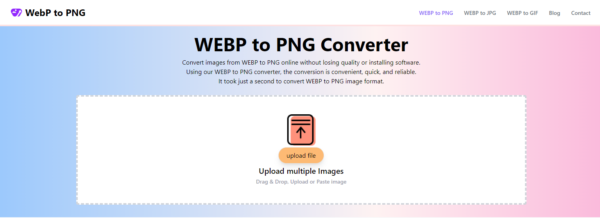
Webp to PNG Converter is an excellent AI tool that ensures the safety of all file transfers using strong SSL encryption. The best user interface for this tool helps users understand the conversion process. Using a WEBP to PNG converter, hundreds of conversions can be done instantly. The original image quality remains the same while changing from the WEBP file to the PNG format. However, the file size increases due to the reduced ability for compression of the PNG format. The WEBP files are deleted just after conversion. The converted files are then removed within 24 hours.
You can save time because the servers and algorithms of this tool work quickly. There is no subscription or email login required to convert WEBP to PNG. You can simply complete your task and move on. This tool is compatible with all operating systems, including Mac, Windows, and Linux.
Pros
-
User friendly for both new and experienced users.
-
Maintains the original image quality during conversions.
-
100% free and requires no subscription.
-
It takes less time to convert WEBP to the PNG image format.
Cons
-
PNG files tend to be larger due to their lossless compression.
-
Limited animation support.
Pricing
The most popular options for a WEBP to PNG converter are entirely free. The services also offer paid options.
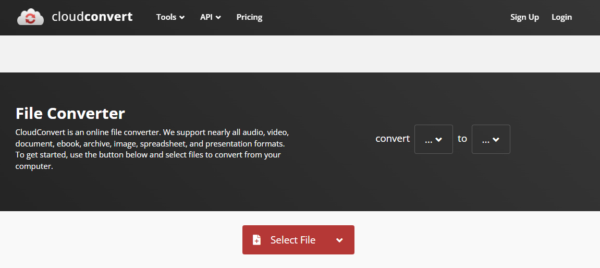
CloudConvert is a leading cloud-based conversion AI tool that supports over 200 file types, including WEBP and PNG. This tool allows you to convert WebP to PNG directly in the cloud. It offers some customization options, such as adjust the output quality and resize images. This platform provides flexibility for users with multiple conversion needs. It uses cutting-edge technology to batch convert WEBP to PNG with full GPU acceleration. While CloudConvert claims to delete files after conversion according to their privacy policy, it is always recommended to exercise caution for confidential data.
Pros
-
Fast, secure, and simple to use.
-
Supports various image, audio, video, document, and archive formats.
-
Offers a variety of advanced options.
-
Prioritizes security and privacy.
Cons
-
Free version has a limited file size of 25 MB per conversion.
-
Security concerns with sensitive files.
Pricing
The free version for casual users allows daily conversion of up to 25 files with a 100MB file size limit. Paid plans start at €8.47 for 500 conversion minutes. All plans include unlimited file size, access to all file formats, and no ads.
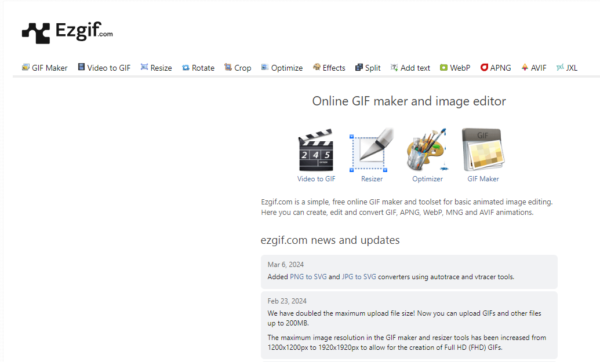
EZGIF is a flexible AI image converter tool that supports over 300 file formats, including WEBP and PNG. This platform not only helps you in creating gifs from videos, cropping, and many other features, but it also provides the best WEBP to PNG converter to convert WEBP into PNG online. It is an excellent choice for those seeking a quick and easy conversion process due to its simplicity. You can convert WEBP to PNG by using EZGIF by following the steps given below;
-
Open the EZGIF tool and click the Choose File button to upload the WEBP image.
-
Now, select the PNG format from the given formats.
-
Next, click the Convert Now button to start the conversion process.
-
Finally, click the Download button to save your converted PNG image.
Pros
-
It converts files of up to 35 MB in size at once without any quality loss.
-
Free and user friendly for beginners and experts as well.
-
Supports a wide range of GIF functions.
-
Offers fast processing
Cons
-
Limited options for advanced users
-
Privacy concerns.
Pricing
It is open-source and anyone can contribute to its code. The starting price is free, and there is also a free version available.
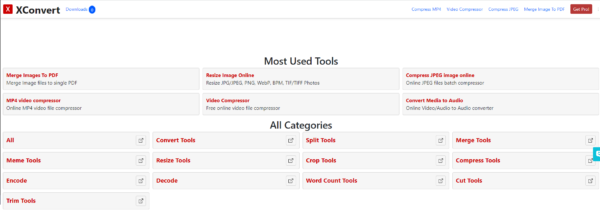
Xconvert is an authorized AI tool that exports a WEBP file as a PNG raster file. Moreover, it also lets you compress the converted image, resize it, or even assist you in converting the file to PDF format and other compatible formats. Also, it provides you with a flexible upload option that includes both local and cloud storage. It is an easy source to convert a high-quality WEBP image to a PNG file. It has a reasonable range of features. It can batch-convert images across different platforms, such as Windows, Mac, and Linux.
Pros
-
Excellent output within no time.
-
Supports wide range of file formats.
-
Offers useful features and control.
Cons
-
Restrictions on converted file size.
-
Offers basic conversion options.
-
Poor quality for complex documents.
Pricing
The service offers a starting price of $4.99 per month with 500 conversions per minute. A free version is also available.
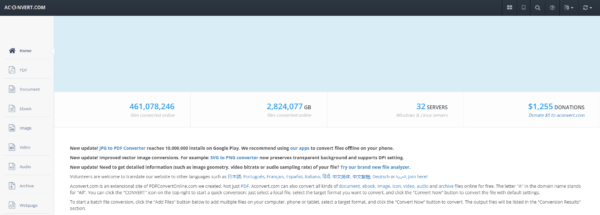
Aconvert is an incredible AI tool that supports a wide range of file types. Its WebP to PNG converter is extremely easy to use. You can add a WEBP file URL or upload a WEBP file from your PC, select output as PNG, and start the conversion. The file size limit is not specified for the input image. The most important feature of this website is that you can set a custom width and height for the output PNG image. If you do not want to use this feature, you can use the “Convert Now” button and get the desired output. The output can be downloaded to your PC or stored in a Google Drive or Dropbox account. So, you should download the output before the time limit, as it deletes your output PNG image after an hour.
Pros
-
Integrates with popular cloud storage services like Google Drive and Dropbox.
-
User-friendly for basic conversions.
-
Allows batch processing.
-
Supports a wide range of document, image, audio, and video file formats.
Cons
-
There are limited features in free version.
-
Output quality issues with complex documents.
-
Security risks.
Pricing
AConvert is completely free to use. There are no hidden costs or limitations based on usage.
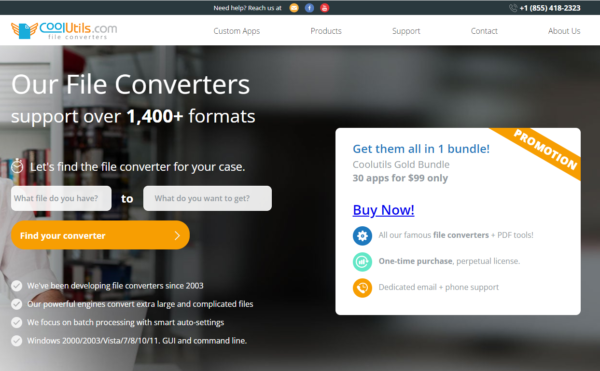
CoolUtils has a very simple interface and supports over 109 file formats. The process of converting a WEBP image to a PNG image can be completed in just three easy steps. Upload a WEBP image or online WEBP image URL, choose PNG format as output, and tap on the download convert button. You can also upload a WEBP image from Dropbox or your Google Drive account. In addition, you can also set rotation, such as clockwise or anticlockwise, and a custom size (width and height) for the output PNG image. You can also use the additional features to get the output with default settings.
Pros
-
Provides offline functionality.
-
Offers advanced features like editing tools, specific format options, etc.
-
100% free to use.
Cons
-
Specific details about features or functionalities.
-
Not suitable for sensitive files.
Pricing
The service offers various prices, ranging from $19.90 to $99.00 (one-time payments). All upgrades are free for individual purchases. A gold bundle is also available, which includes a discounted price of $99.