
Business growth creates more work before it creates more stability. More customers, employees, vendors, projects, approvals, and data can quickly expose weak processes. Tasks that were easy to manage in a small team can become slow, inconsistent, or invisible as the company expands.
Workflow management tools help businesses turn scattered work into repeatable systems. They define what needs to happen, who owns it, when it is due, and how progress is tracked.
The right workflow structure improves productivity, accountability, data quality, and decision-making.
Start With Core Processes
Before choosing tools, identify the workflows that affect growth most. These are usually the processes tied to revenue, customer experience, hiring, finance, and delivery.
Common workflows include lead handoff, proposal approval, client onboarding, employee onboarding, purchase requests, invoice review, support escalation, project delivery, compliance checks, and reporting.
For hiring growth, employee onboarding software can help standardize tasks, documents, access requests, training steps, and manager check-ins so new employees become productive faster.
The best tools support the process. They should not force the business into unnecessary complexity.
Map Each Workflow Before Automating
Automation only helps when the workflow is clear. Automating a broken process makes problems happen faster.
Start by mapping each step. Identify the trigger, required information, task owner, deadline, approval point, handoff, exception path, and final output.
For example, a purchase approval workflow should show who requests the purchase, what budget code is used, who approves it, when finance reviews it, and how the vendor is paid.
This map becomes the foundation for tool setup.
Define Ownership and Accountability
Workflow tools work best when every step has a clear owner. A task assigned to “the team” is often a task assigned to no one.
Ownership should be specific. One person should be responsible for completing or moving the task forward.
Managers should also define escalation rules. If a task is overdue, who is notified? If an approval is blocked, who resolves it? If information is missing, who follows up?
Ownership Details to Include
A strong workflow should define:
- Task owner
- Backup owner
- Due date
- Approval authority
- Required documents
- Escalation path
- Completion criteria
- Reporting owner
Clear ownership reduces delays and improves accountability.
Centralize Work Requests
Growing businesses often receive work requests through too many channels. A manager may get requests by email, chat, phone, meeting notes, and hallway conversations.
This makes prioritization difficult.
Workflow management tools should centralize requests through forms, tickets, templates, or structured intake pages.
A structured request should capture the information needed to start work correctly. This prevents back-and-forth and reduces errors.
For example, a marketing request should include audience, deadline, asset type, goal, approval contact, and required files.
Improve Cross-Team Handoffs
Growth creates more handoffs. Sales hands clients to delivery. HR hands new hires to managers. Operations hands purchase requests to finance. Support hands technical issues to engineering.
Handoffs are where many workflow failures happen.
A good workflow tool records context, documents, status, and next steps before the handoff occurs.
The receiving team should not have to reconstruct history from emails or chat threads.
Clean handoffs reduce rework and improve customer experience.
Use Dashboards for Operational Visibility
Dashboards help leaders see whether work is flowing properly. They should show bottlenecks, overdue tasks, workload distribution, cycle time, and completion rates.
A dashboard should be built around decisions, not decoration.
Useful Workflow Metrics
Key metrics include:
- Task completion time
- Overdue task rate
- Approval cycle time
- Handoff delay
- Workload by owner
- Request volume
- Rework rate
- SLA compliance
- Process completion rate
These metrics help managers identify where systems need improvement.
Support Company Culture With Shared Processes
Workflow management is not only about software. It also supports how teams work together.
Clear workflows reduce confusion and improve trust. People know what is expected, where to find information, and how decisions are made.
For company events, team-building activities, or staff sports leagues, branded items such as custom cornhole jerseys can support team identity outside the core workflow system. These cultural details work best when daily operations are already clear and organized.
A strong culture depends on both human connection and reliable processes.
Automate Repetitive Steps Carefully
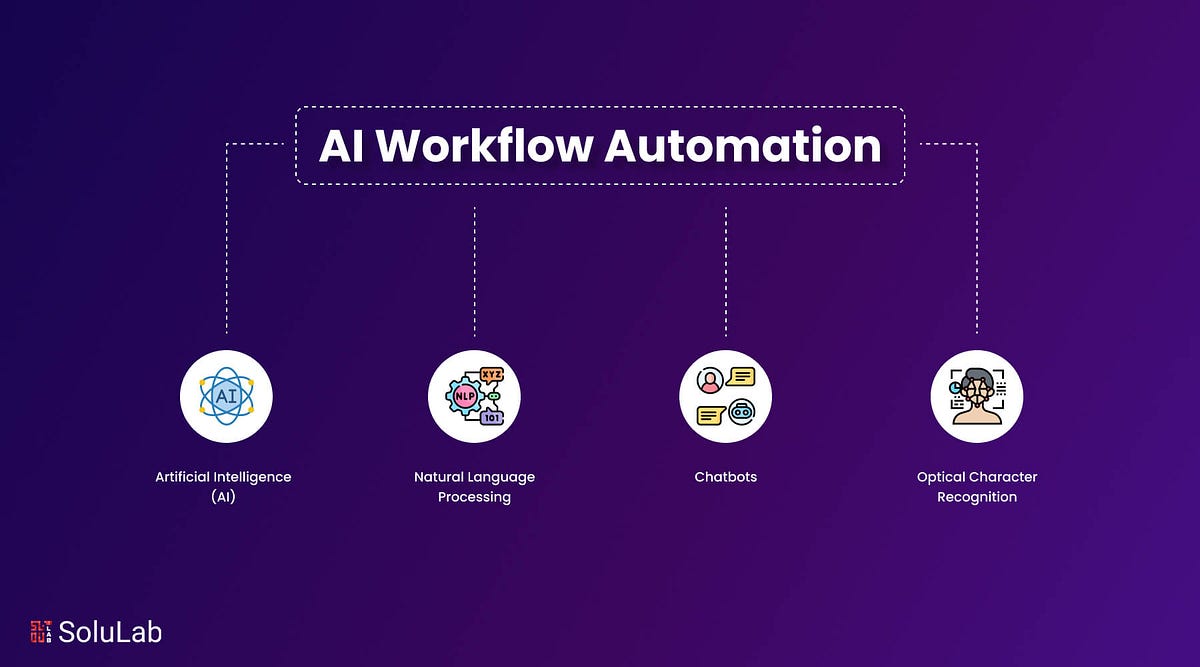
Automation can reduce manual work, but it should be applied selectively. Common automation opportunities include task reminders, status updates, approval routing, form submissions, calendar events, recurring reports, and document requests.
Do not automate judgment-heavy decisions. Keep human review where risk, nuance, or customer context matters.
Automation should reduce admin without hiding problems.
Review automated workflows regularly. As the business changes, old automation rules can create errors.
Integrate With Existing Systems
Workflow tools become more useful when they connect to CRM, HR, finance, project management, customer support, document storage, and analytics systems.
Integration reduces duplicate data entry and keeps information consistent.
Before choosing a tool, evaluate API access, native integrations, permission controls, audit trails, reporting options, and data export quality.
Disconnected tools create more work instead of less.
Review and Improve Workflows Regularly
A workflow should not be static. As teams grow, steps may become unnecessary, approvals may need to change, and new risks may appear.
Set a regular review cycle. Look at bottlenecks, user feedback, missed deadlines, exception cases, and reporting data.
Remove steps that do not add value. Add controls where mistakes keep happening.
The best workflow systems evolve with the business.
Final Thoughts
Workflow management tools help businesses grow by making work visible, repeatable, and measurable. They reduce missed tasks, improve handoffs, clarify ownership, and create better data for decisions.
The most effective tools are built around real processes, not wishful thinking.
When businesses define workflows clearly and use software to support them, teams can scale with less friction and more control.