
Have you ever walked onto a factory floor and felt like something was about to go wrong—but couldn’t quite put your finger on it?
Now imagine if the machines themselves could sense that. Imagine if they could see a problem before it even starts. Sounds futuristic, right?
But guess what? It’s already happening.
This is the world of ai in manufacturing, and let me tell you—it’s flipping the script on how factories prevent breakdowns, predict hiccups, and perfect their processes. Let’s dive deep into how this game-changing technology is helping manufacturers slash downtime like never before.
My First Encounter with the “Machine That Sees”
Before we jump into the nuts and bolts (pun intended), let me take you back.
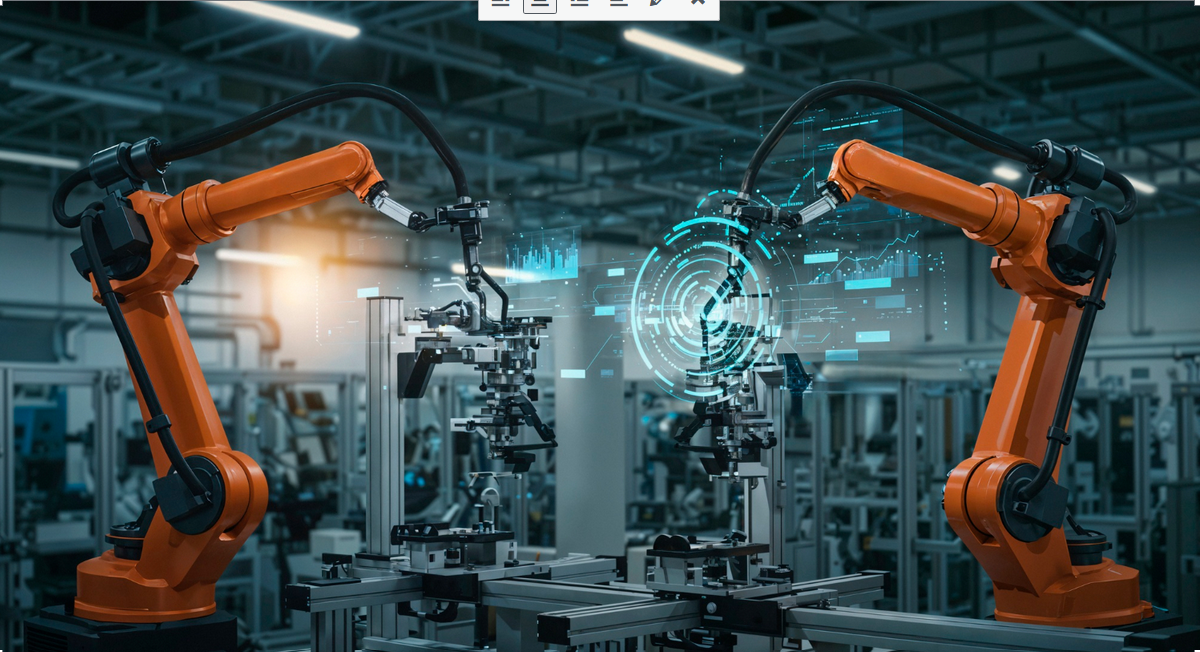
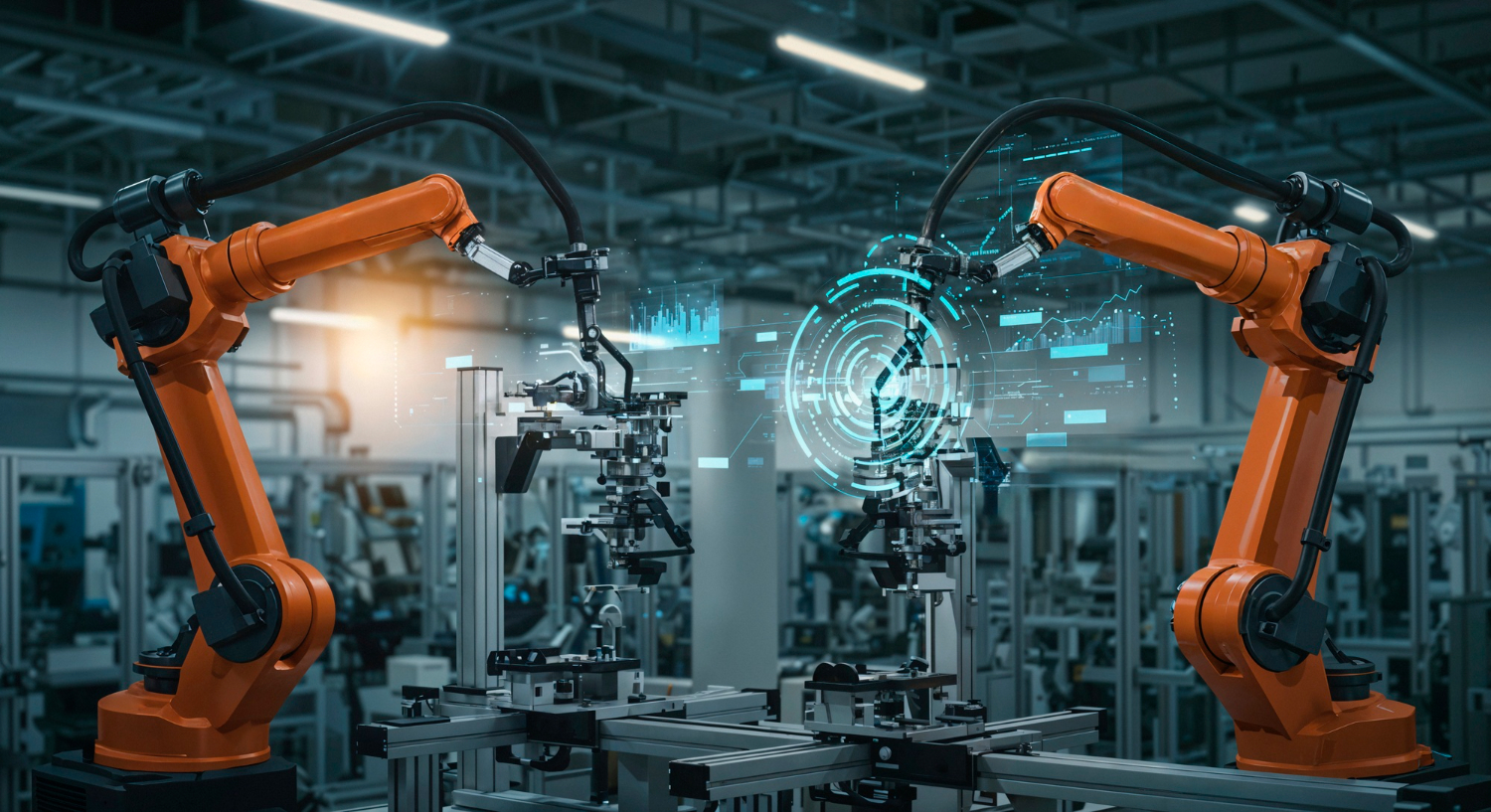
I was visiting a mid-sized automotive components plant a few years back. On the tour, I noticed this robotic arm pausing mid-movement—like it knew something was off. Turns out, it had visually detected a misalignment in the gear set, flagged it instantly, and the whole line paused for just 32 seconds to correct the issue.
If a human had spotted that? We’re talking hours of lost productivity.
That’s when it hit me: Computer vision in manufacturing isn’t just tech wizardry—it’s industrial survival.
So What Exactly Is Computer Vision?
In case you’re new to this—computer vision is the ability of machines to interpret and understand visual data. Like human eyes and brain working together—but supercharged. It involves using cameras, sensors, and deep learning models to “see” what’s happening and take action based on what they observe.
In manufacturing, that means your machines are no longer blind. They can spot misalignments, micro-cracks, overfilled containers, or even human safety risks in real time.
Let’s break this down into why it matters, and how it’s helping to predict, prevent, and perfect operations.
1. Predict: Using Visual Data to See the Future
Okay, not literally the future. But close.
Computer vision in manufacturing lets systems detect patterns that lead up to failures. Imagine noticing that a particular drill starts to vibrate ever so slightly before it overheats and breaks down. A computer vision system sees that pattern over time—and learns from it.
Now? That drill can be serviced before it crashes and takes the whole production line down with it.
Real-World Example:
A tire manufacturer used CV to track subtle wear on rubber molds. By catching early signs of degradation, they cut mold-related downtime by 47%. That’s massive in an industry where every minute counts.
2. Prevent: Stopping Problems Before They Snowball
Let’s be real. Prevention is a heck of a lot cheaper than repair.
Once a computer vision system understands what a healthy process looks like, it can instantly flag anything that strays from that norm.
Some of the coolest applications?
-
Thermal imaging to detect overheating parts.
-
Visual inspection for hairline fractures invisible to the human eye.
-
Barcode reading and label recognition to avoid shipping the wrong product.
Pro Tip:
Prevention doesn’t just save time—it builds trust. Think about it. If your QA process uses computer vision, you’re way less likely to ship a faulty part that ruins your reputation.
3. Perfect: Fine-Tuning for Maximum Efficiency
Here’s the sexy part—perfection through iteration.
Once computer vision systems start monitoring everything, they build a visual history. They learn what “ideal” looks like, and nudge the operation closer to it every day.
It’s like having a coach who sees everything—from worker ergonomics to product positioning to subtle timing delays between machines.
Use Case Highlight:
A food packaging plant used computer vision to analyze fill levels. By adjusting nozzle pressure dynamically, they reduced product waste by 22% and improved output consistency.
That’s the kind of optimization that turns an average operation into a well-oiled, money-making machine.
But Wait—How Does It Actually Work?
Here’s a quick-and-dirty tech breakdown. Don’t worry, I’ll keep it human.
-
Cameras & Sensors: These capture visual data—frames of the product line, machinery, or workspace.
-
Image Processing: Algorithms enhance and interpret the image, identifying edges, shapes, and anomalies.
-
Machine Learning Models: These models (often deep learning neural networks) compare what they see with a library of “normal” vs. “abnormal” patterns.
-
Triggering Actions: If something’s off, the system can send alerts, pause machines, or even redirect defective parts automatically.
In other words—it’s like a visual brain constantly scanning the factory with zero distractions, zero fatigue, and zero bias.
Human + Machine = The Ultimate Dream Team
Now before we go full Skynet here—computer vision doesn’t replace humans. It amplifies them.
The best factories use CV systems as the first line of defense, with human experts validating and refining what the machines catch. It’s not “robots vs workers”—it’s robots spotting what humans miss, and humans making better decisions faster.
Think About It This Way:
Would you rather:
-
Manually check 1,000 parts every hour and maybe miss 10?
-
Or have a system visually inspect all 1,000 in 3 minutes and highlight the 7 that need your attention?
Yeah. Thought so.
Let’s Talk ROI (Because Numbers Talk Louder)
Implementing computer vision in manufacturing isn’t just cool tech—it’s crazy cost-effective when done right.
Key Metrics Improved:
-
Downtime Reduction: By up to 60% in some case studies.
-
Quality Improvement: Reduction in defects by 30–70%.
-
Worker Safety: Fewer accidents due to visual monitoring.
-
Yield Increase: Better process control = higher throughput.
That translates into major savings. We’re talking millions per year for large-scale operations.
Challenges? Sure. But They’re Manageable.
Nothing’s perfect out of the box—especially not advanced tech.
Here are a few hurdles that come with computer vision in manufacturing:
-
High initial setup cost (hardware + software + training)
-
Data overload if systems aren’t well-optimized
-
False positives in early stages (think over-alerting)
-
Integration issues with legacy machinery
But here’s the good news: The tech is maturing FAST. Costs are dropping. Interfaces are improving. And more manufacturers are sharing their learnings to help others scale quicker.
The Future: Smarter, Faster, More Human Factories
What does the future look like?
Well, we’re heading toward adaptive factories where everything from assembly to logistics is visually monitored, analyzed, and adjusted in real time.
Imagine:
-
Robots adjusting their own movements on the fly
-
Machines “seeing” when a colleague is underperforming and compensating
-
Systems that can teach themselves better ways to assemble products
It’s not just about automation. It’s about intelligent orchestration, where machines and humans play to their strengths.
Final Thought: Don’t Wait for Perfection to Start
If there’s one thing I’ve learned working with manufacturing teams—it’s this:
Start before you’re ready.
You don’t need a perfect plan. Just start with one use case. Defect detection. Or fill level checking. Or even safety monitoring.
Let the system learn. Let your team adapt. Then expand.
Because in the end, the factories that thrive won’t just be the ones that build things efficiently. They’ll be the ones that see problems coming, stop them in their tracks, and continuously improve—day in, day out.
And that’s the power of computer vision in manufacturing.
Your Turn:
What part of your manufacturing process could use an extra set of (digital) eyes?
Drop it in the comments—or just talk to your team about where downtime is costing you most. That’s where your CV journey should begin.