
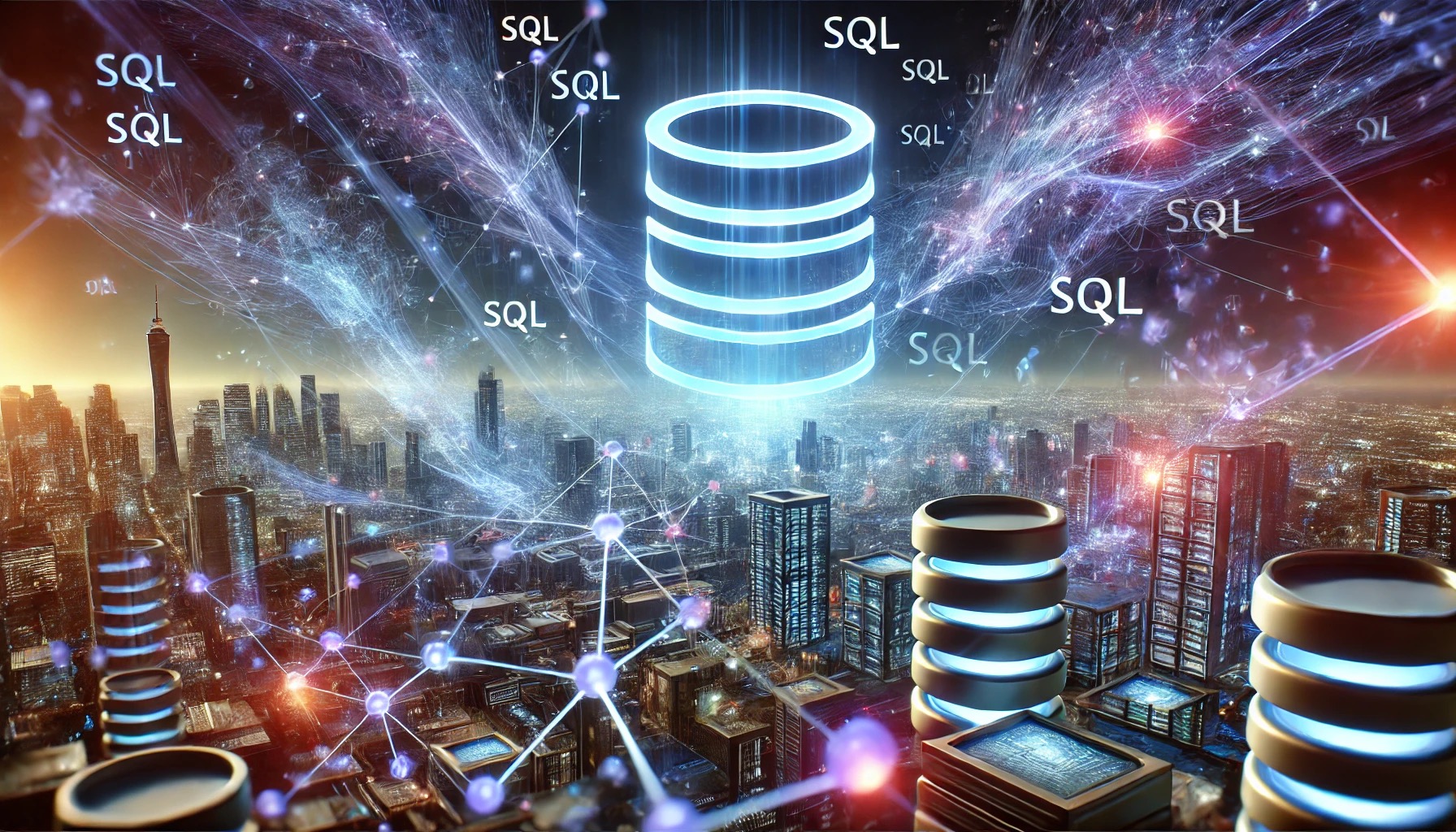
SQL Unleashed: Mastering the Language That Powers the Digital World
Structured Query Language (SQL) is the backbone of modern data management, enabling businesses, developers, and analysts to interact seamlessly with vast amounts of information. Whether you’re a beginner or a seasoned developer, understanding SQL is essential in today’s data-driven world. In this article, we’ll explore SQL’s power, applications, and best practices to elevate your skills.
What Is SQL?
SQL, pronounced “sequel” or “ess-cue-ell,” is a domain-specific language designed for managing and manipulating relational databases. Developed in the 1970s, it has become the global standard for accessing and modifying data stored in relational database management systems (RDBMS) such as MySQL, PostgreSQL, and Microsoft SQL Server.
Core Functions of SQL
SQL is built around a few fundamental operations:
- Data Querying: Extracting specific information using the
SELECTstatement. - Data Manipulation: Adding, updating, or deleting records with
INSERT,UPDATE, andDELETE. - Data Definition: Structuring databases using
CREATE,ALTER, andDROP. - Data Control: Granting or revoking permissions with
GRANTandREVOKE.
Why SQL Matters in the Digital Age
- Universal Application: Almost every organization relies on relational databases to store critical data—from social media platforms to financial systems.
- Ease of Use: SQL’s English-like syntax makes it accessible to both technical and non-technical users.
- Big Data Integration: Tools like Hive and Spark SQL allow SQL queries to process massive datasets efficiently.
- Career Opportunities: SQL proficiency is one of the top skills employers seek in data-related roles.
Key SQL Concepts
Here are some foundational concepts every SQL user should master:
1. Select Queries
Retrieve data efficiently:
2. Joins
Combine data from multiple tables:
3. Aggregation
Summarize data:
4. Indexing
Improve query performance by creating indexes:
Best Practices for SQL
- Normalize Your Data: Avoid redundancy by structuring data into related tables.
- Write Clear Queries: Use proper formatting, meaningful aliases, and comments for readability.
- Optimize for Performance: Use indexing, limit clauses, and avoid unnecessary computations.
- Secure Your Database: Sanitize inputs to prevent SQL injection attacks and apply least-privilege principles.
Beyond Basics: Advanced SQL
Once you’ve mastered the fundamentals, dive into advanced topics such as:
- Stored Procedures and Functions: Automate complex operations.
- Triggers: Create automated actions in response to database events.
- Window Functions: Perform calculations across a set of table rows.
SQL in the Real World
From analyzing customer behavior to powering e-commerce systems, SQL is indispensable. Businesses use SQL for:
- Generating detailed reports.
- Real-time data tracking.
- Building scalable web applications.
Conclusion
SQL’s simplicity, power, and versatility make it an essential skill for anyone dealing with data. Whether you’re building complex systems or generating actionable insights, mastering SQL unlocks countless opportunities. As the digital landscape evolves, SQL remains a timeless tool for navigating the ocean of information.
Ready to take your skills to the next level? Start practicing, and watch your data expertise soar!
SQL FAQs
1. What is SQL?
SQL (Structured Query Language) is a programming language used to manage and manipulate relational databases. It allows users to perform operations like querying, updating, and structuring data in a database.
2. Why is SQL important?
SQL is essential because it serves as the standard language for interacting with relational databases. It’s widely used across industries for data analysis, reporting, and application development, making it a fundamental skill for anyone working with data.
3. What are the main functions of SQL?
SQL functions are generally categorized into:
- Data Querying: Retrieving data using commands like
SELECT. - Data Manipulation: Modifying data with
INSERT,UPDATE, andDELETE. - Data Definition: Creating and modifying database structures using
CREATE,ALTER, andDROP. - Data Control: Managing access permissions with
GRANTandREVOKE.
4. What is the difference between SQL and MySQL?
SQL is a language, while MySQL is a relational database management system (RDBMS) that uses SQL to manage and query data. MySQL is one of many databases (others include PostgreSQL, Oracle, and SQL Server) that support SQL.
5. What are Joins in SQL?
A JOIN in SQL is used to combine rows from two or more tables based on a related column. Common types of joins include:
- INNER JOIN: Returns only matching rows.
- LEFT JOIN: Returns all rows from the left table, with matching rows from the right table.
- RIGHT JOIN: Returns all rows from the right table, with matching rows from the left table.
- FULL JOIN: Returns all rows when there’s a match in either the left or right table.
6. What is SQL Injection, and how can I prevent it?
SQL Injection is a code injection technique that exploits vulnerabilities in an application’s software to manipulate SQL queries. It’s often used to gain unauthorized access to data. Prevent SQL injection by:
- Using prepared statements or parameterized queries.
- Validating and sanitizing user inputs.
- Limiting database permissions to the least necessary.
7. What is normalization in SQL?
Normalization is the process of organizing a relational database to reduce redundancy and dependency by dividing large tables into smaller, related tables. This ensures data integrity and improves efficiency.
8. What are indexes in SQL, and why are they important?
An index is a data structure used to improve the speed of data retrieval operations on a database. They are important because they allow faster searches, but they come with a trade-off—indexes slow down insert and update operations. Proper indexing optimizes query performance.
9. What are stored procedures in SQL?
A stored procedure is a precompiled collection of one or more SQL statements that can be executed as a single unit. Stored procedures are used to automate complex operations, enhance performance, and improve security by encapsulating business logic in the database.
10. Can SQL be used for big data applications?
Yes, SQL can be used with big data systems like Hadoop (via Hive) and Spark SQL, which allow SQL queries to be executed over massive datasets. This makes SQL highly scalable for large-scale data processing.
11. How do I optimize SQL queries for performance?
To optimize SQL queries:
- Use indexes on frequently queried columns.
- Avoid using *SELECT ; instead, specify only the columns you need.
- Break complex queries into smaller, more efficient ones.
- Use LIMIT to restrict the amount of data returned when possible.
12. Is SQL the only language for working with databases?
While SQL is the most widely used language for relational databases, there are other query languages like NoSQL for non-relational databases (e.g., MongoDB, Cassandra). Each language is suited to different types of data models and use cases.
13. How can I practice SQL?
You can practice SQL using platforms like:
- SQLZoo
- LeetCode (for SQL challenges)
- HackerRank
- W3Schools
Alternatively, you can set up a local database using MySQL or PostgreSQL and start writing queries to interact with sample data.